
The store and website for your Minecraft server.
Players buy ranks, read your news, meet your staff and vote, all on one site in your style. Stripe pays you out, and the plugin delivers in the game. Free to start, 5% per sale.
All in one
Your store and your server website, in one
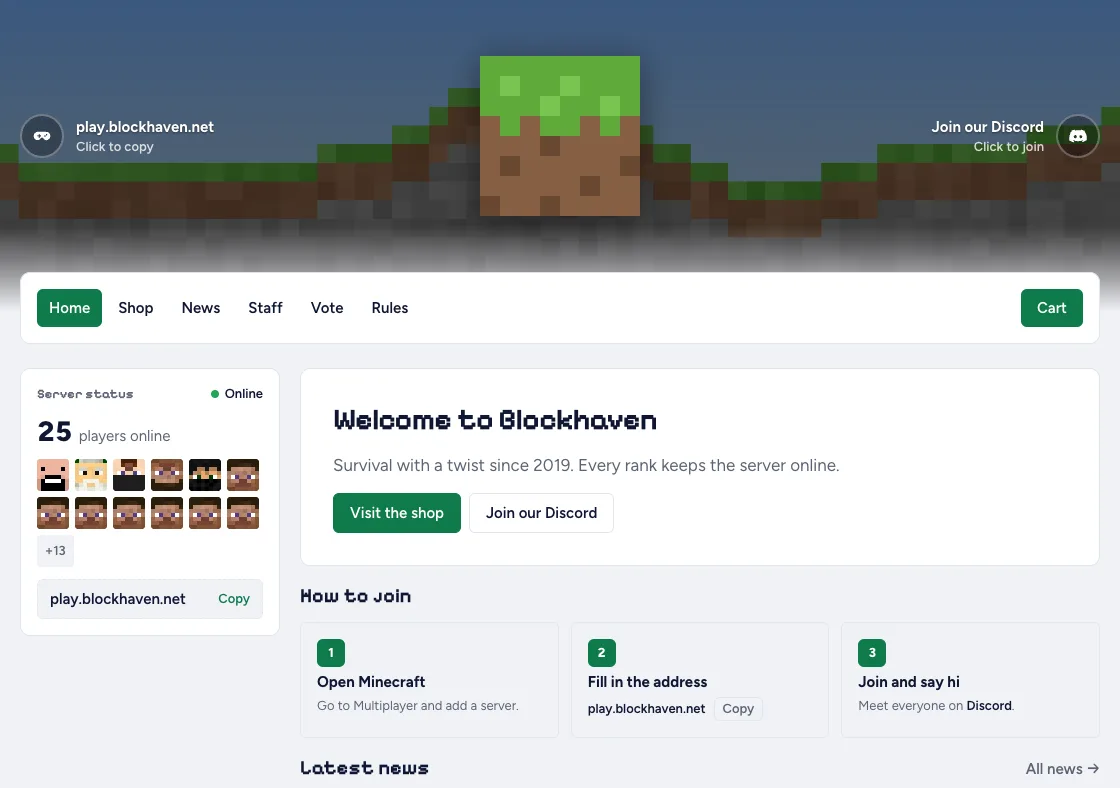
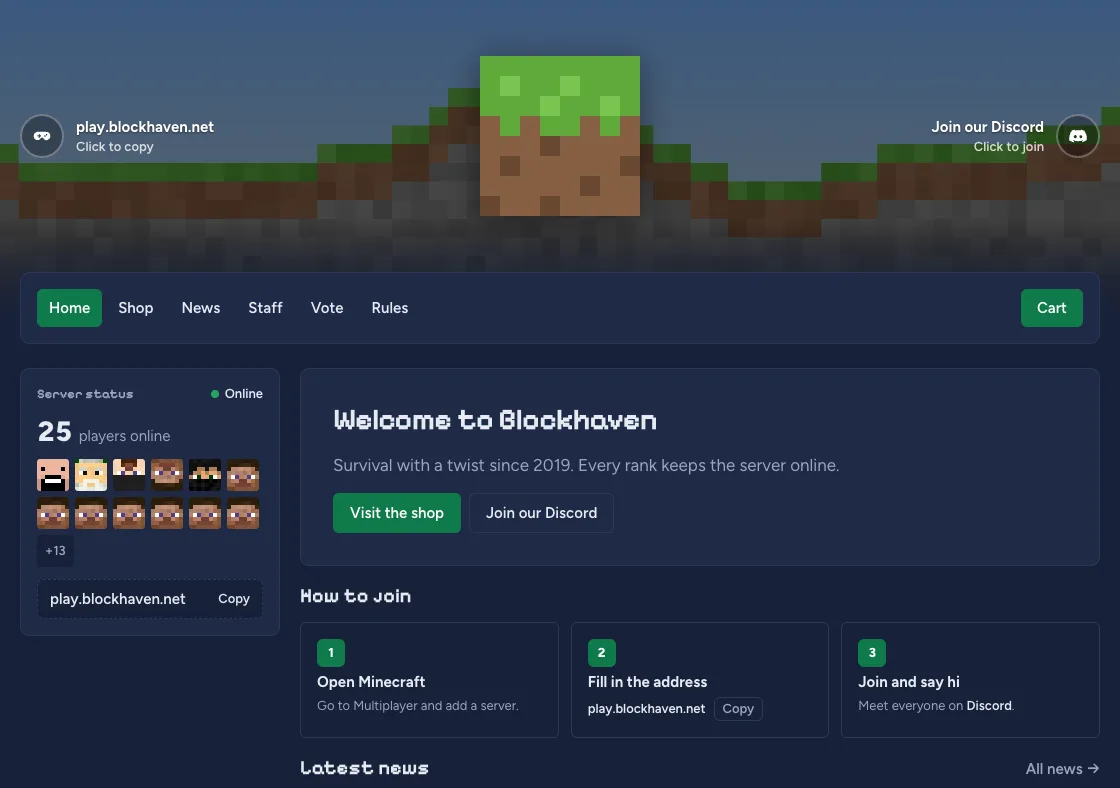
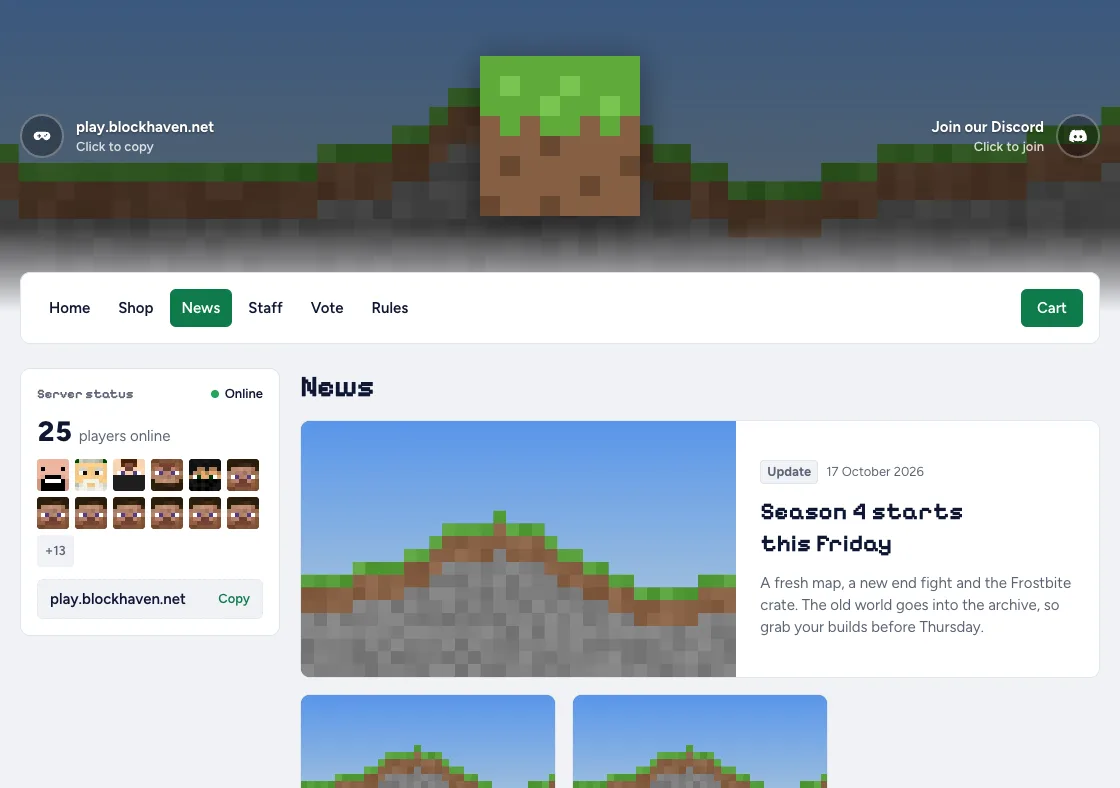
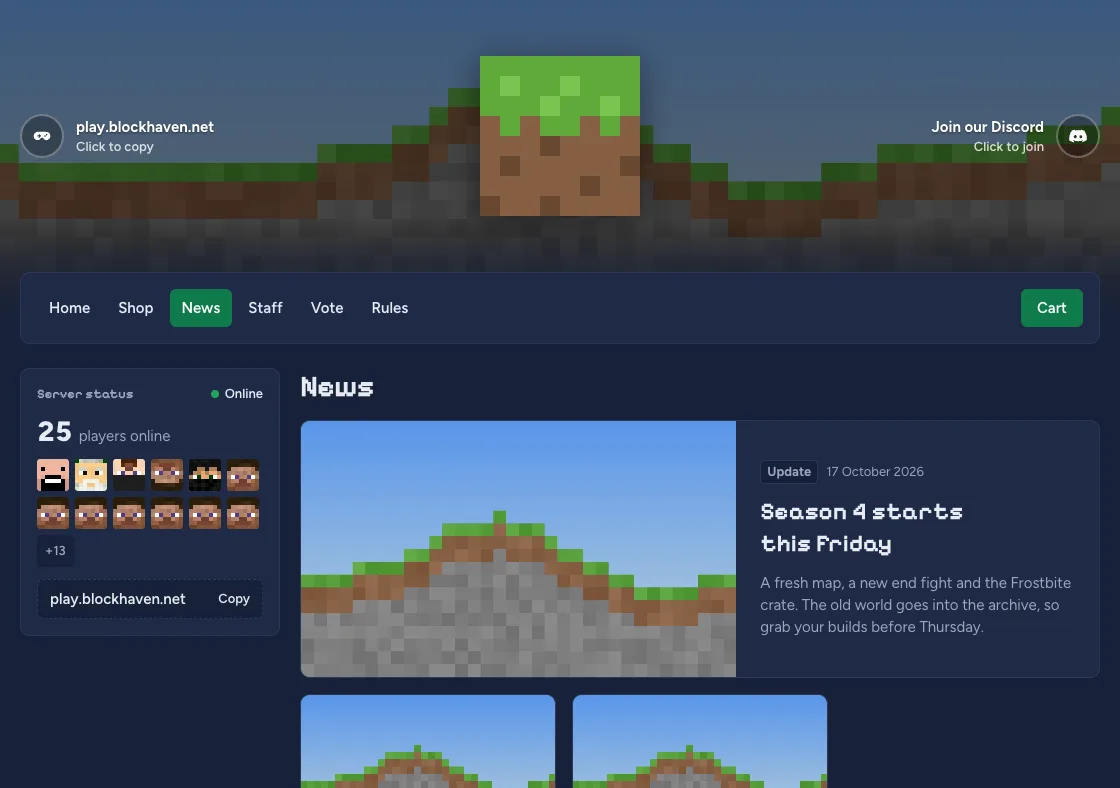
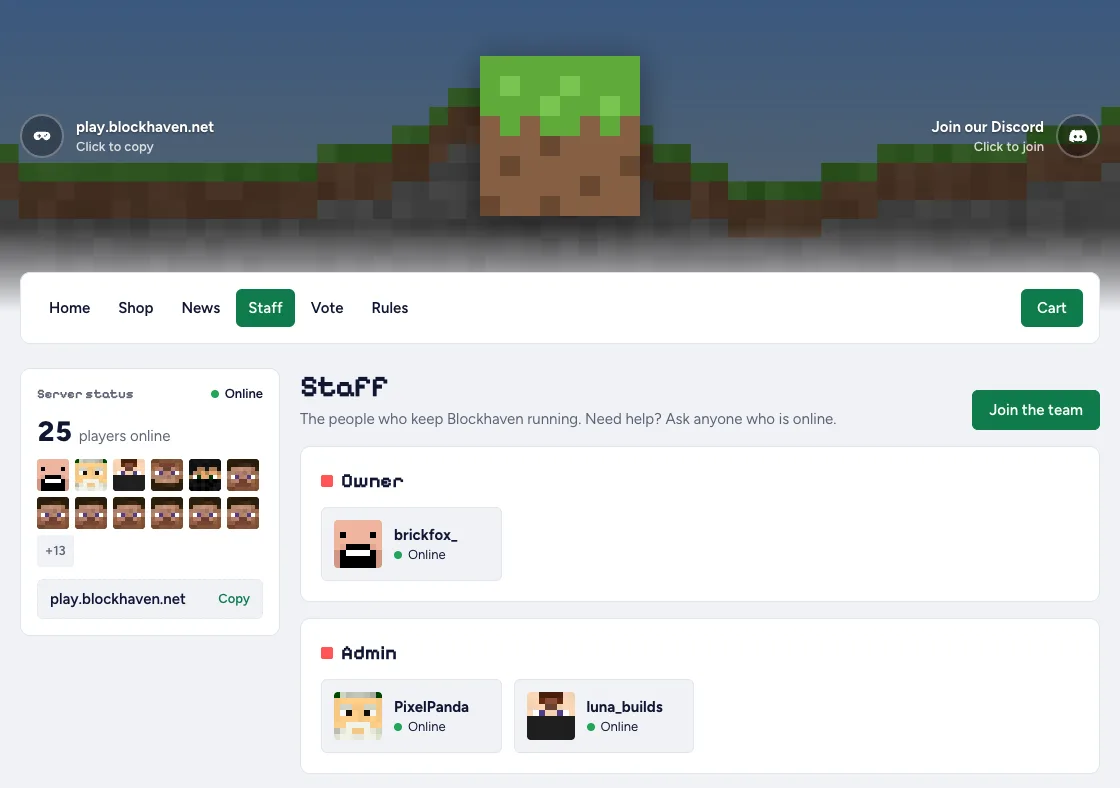
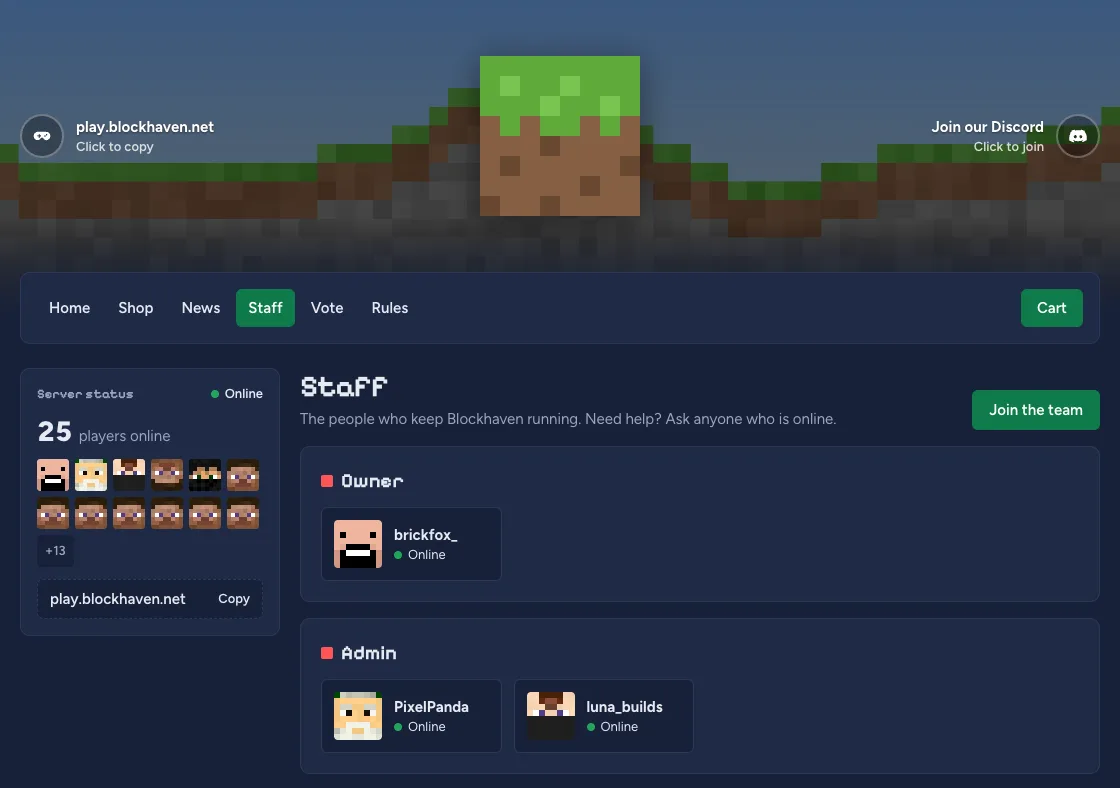
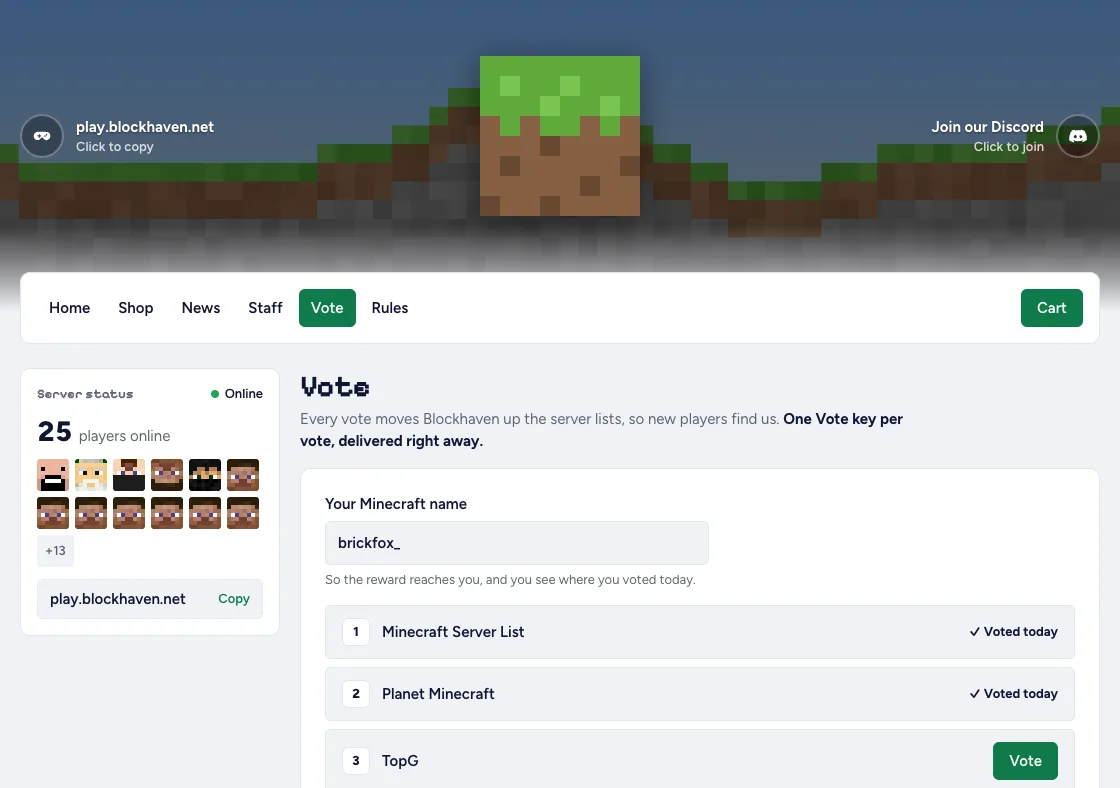
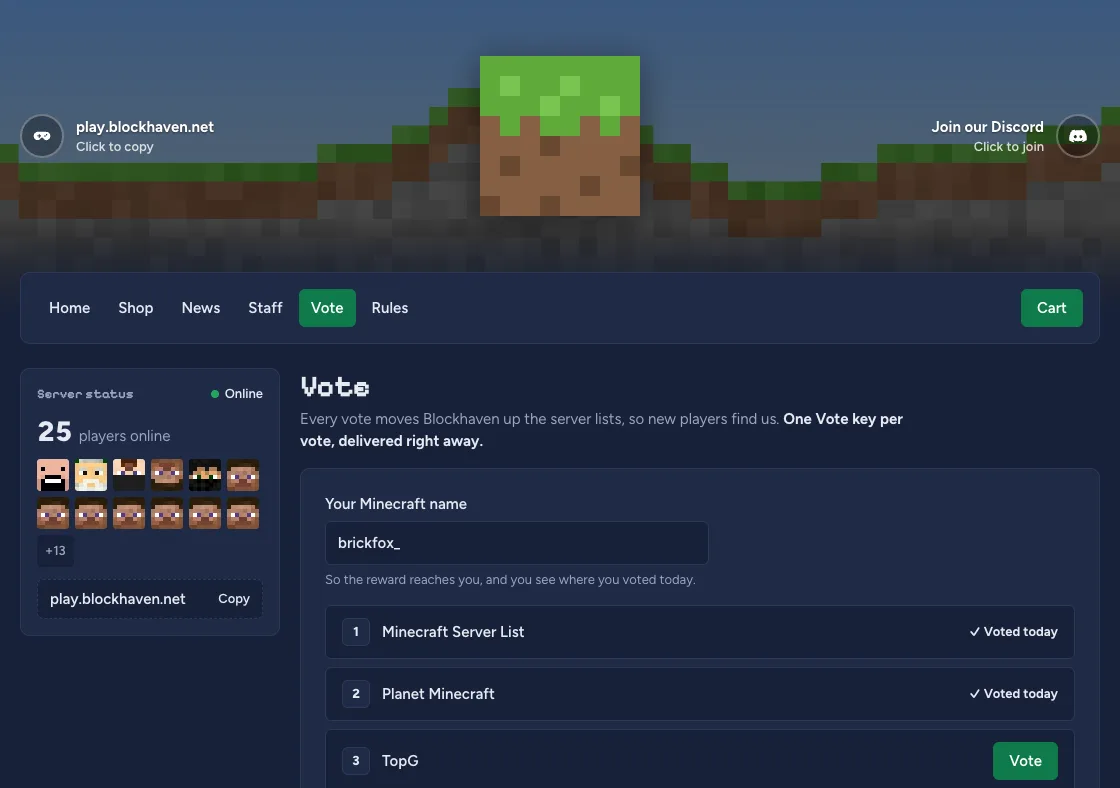
No more WordPress next to Tebex. Turn on the website and your store gets a home, news, a staff page and voting, in the same theme and on the same domain. Live from your server through the plugin, and free on every store.
Up and running in an afternoon
No theme to install, no payment provider to apply for. Three steps and your players can buy.
-
Create your store
Pick a name and your store is live on its own subdomain, with HTTPS. Add your logo and colour, or your own domain, whenever you like.
-
Connect your server
Drop the plugin in your plugins folder and paste the token from the dashboard. Spigot, Paper and Purpur, 1.18 and up.
-
Add what you sell
A rank, a crate key, a kit: give it a price and the commands to run. Connect Stripe and the first sale can come in.
Then every sale delivers itself
A player pays, the plugin runs your commands on the server, and the order page tells the player it has arrived. If the player is offline, the purchase waits for them. If a server is down, you see it on the overview and retry with one click.
Why Minecraftstore.io?
Everything a server store needs, free. Pro adds a few extras if you want them.
-
Delivered in the game
Your commands run the moment a payment comes in. No orders to look at, nothing to hand out by hand.
-
Your own domain
Every store starts on its own subdomain. Point shop.yourserver.com at it when you are ready, HTTPS included.
-
Move from Tebex in minutes
Paste your Tebex token and your categories and packages come over, with prices and images. You add the commands.
-
Run it as a team
A co-owner, staff and moderators, each with their own login and a role. Nobody shares your password.
-
Paid out by Stripe
Players pay with Stripe Checkout, by card or a local method. The money lands in your own Stripe account and goes to your bank.
-
Help from a person
A question about a stuck delivery or a domain? Mail us, and a person answers. The same person who runs a server and built this.
What is Minecraftstore?
A webshop for your Minecraft server, with the work taken out of it. You add what you sell and the commands that go with it. Players buy, Stripe handles the money, and the plugin hands out the rank or the key in the game.
The dashboard shows what sold, what was delivered and which server is online. The one time something goes wrong, it is at the top, with a button to retry.
Start todayOne plugin, one token
Drop the plugin in your plugins folder, paste the token from the dashboard, done. The plugin asks the platform for new purchases, runs your commands, and reports back what it delivered. Your server never has to be reachable from the internet.
- Spigot, Paper and Purpur, Minecraft 1.18 and newer
- More than one server per store, each with its own token
- Waits for a player who is offline, retries when a server is down
- Shows in the dashboard when a server was last seen
The download is in the dashboard as soon as you have a store.
Get the pluginA store that looks like your server
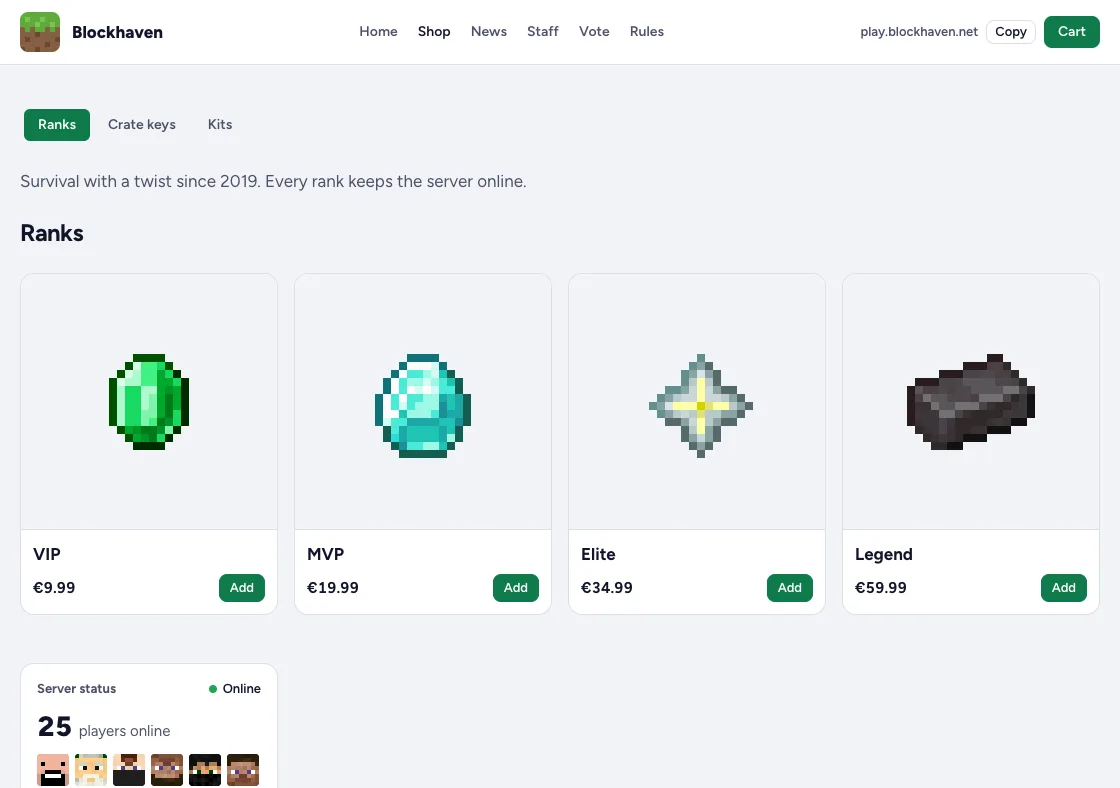
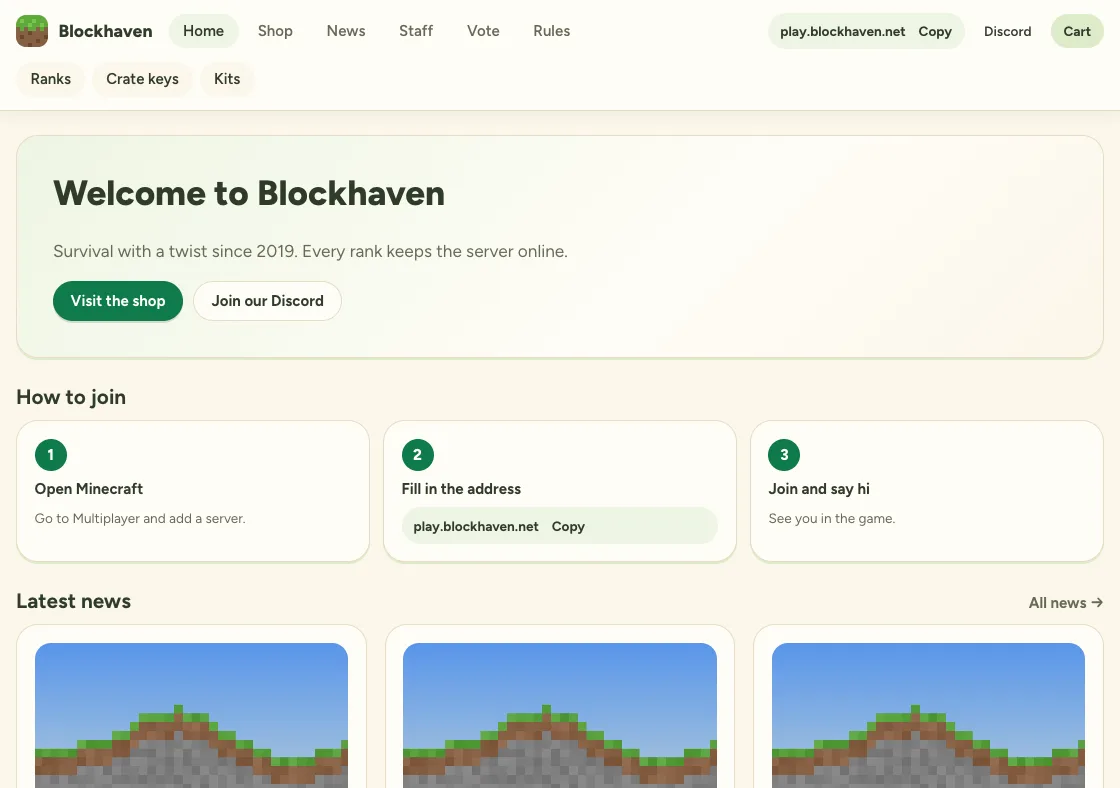
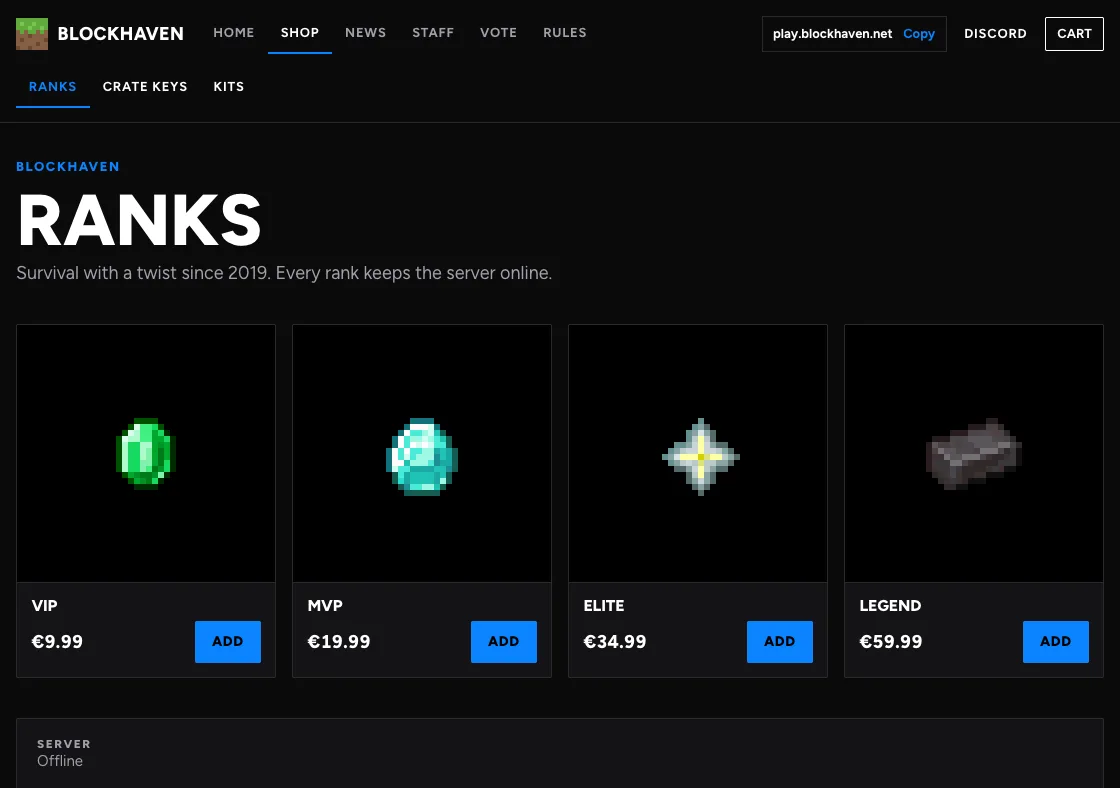
Pick a theme, upload your logo and choose your colour. Players find their rank, type their username, and pay on their phone in under a minute. No account needed.
A clean bar on top and your products straight below. Quick on a phone.
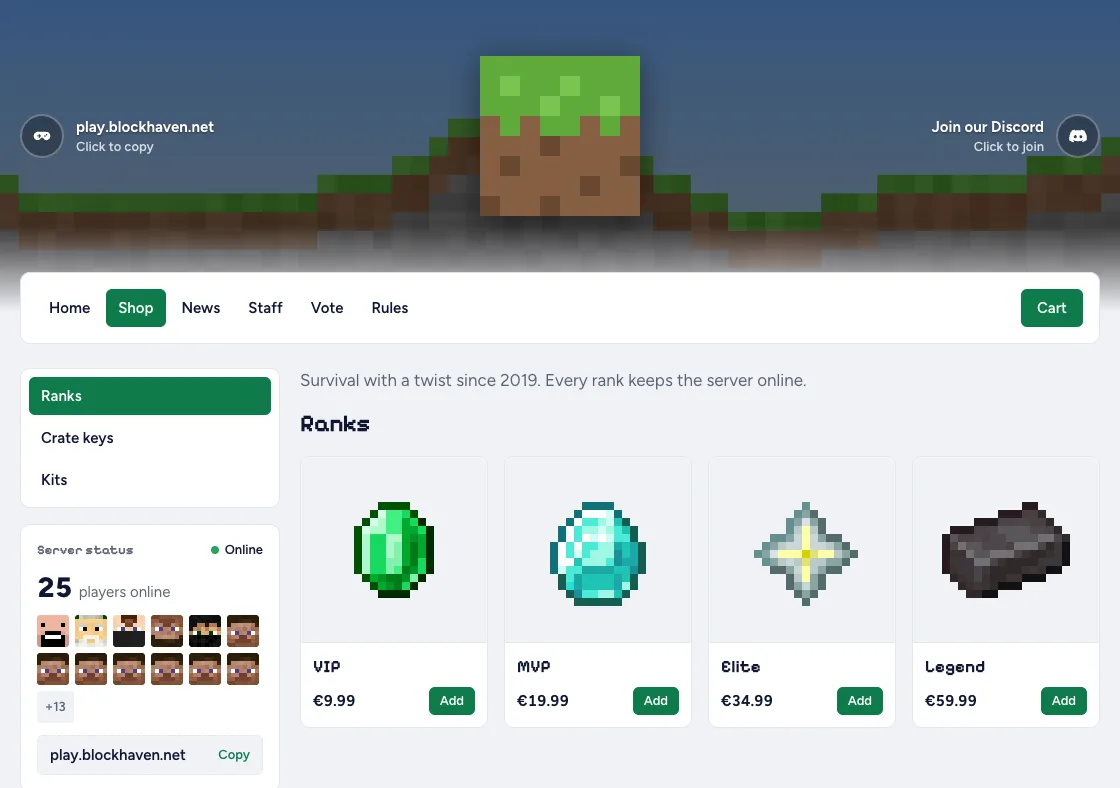
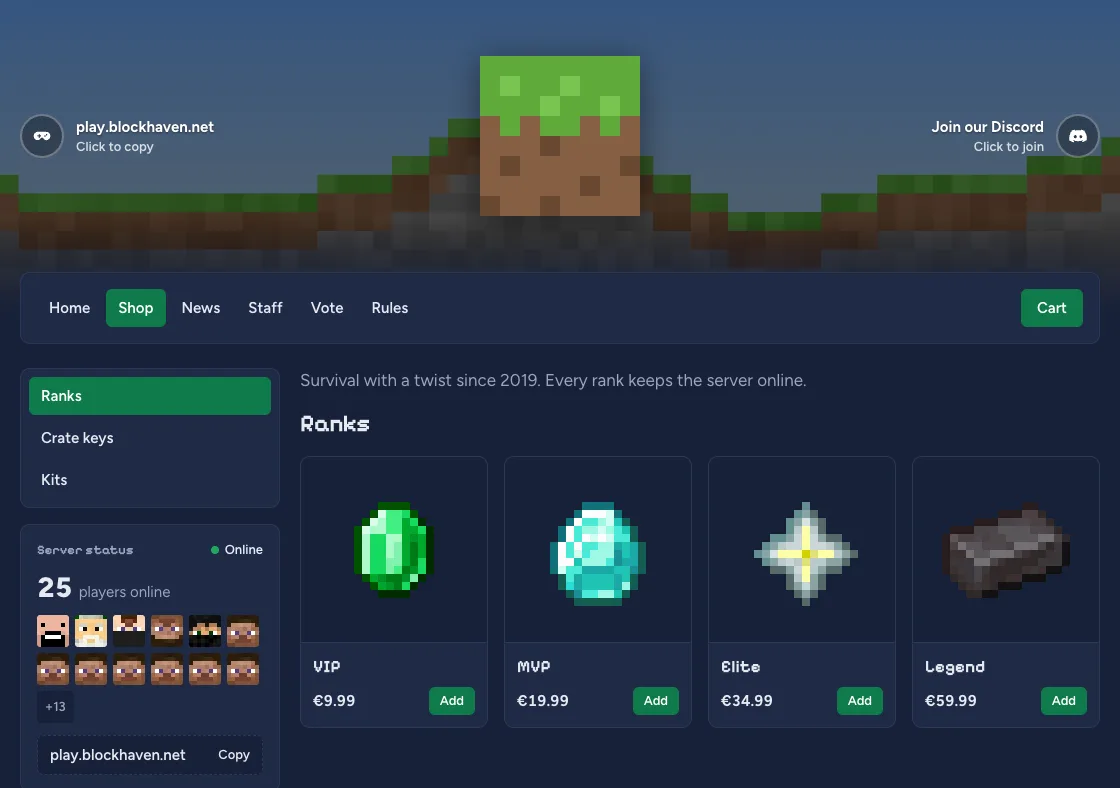
A big banner of your server with your logo in the middle, and a sidebar with categories and live modules.
Your store as a Minecraft inventory: products in slots, categories as tabs, the item tooltip on hover.
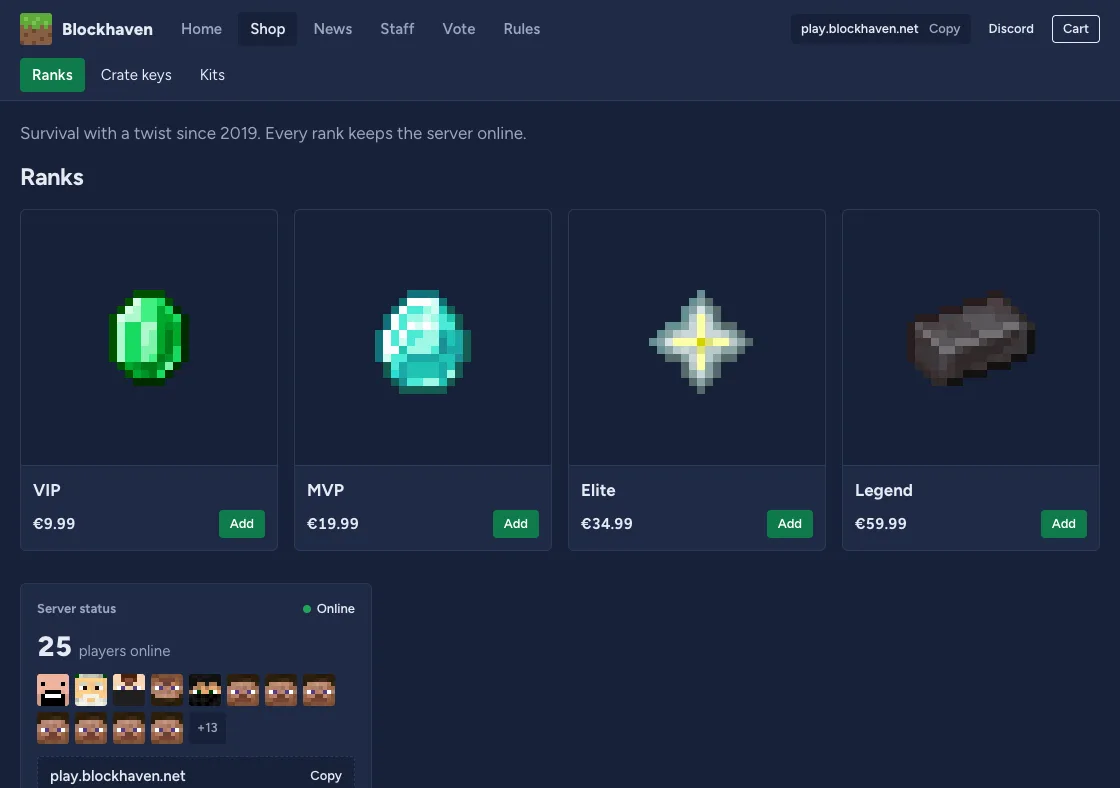
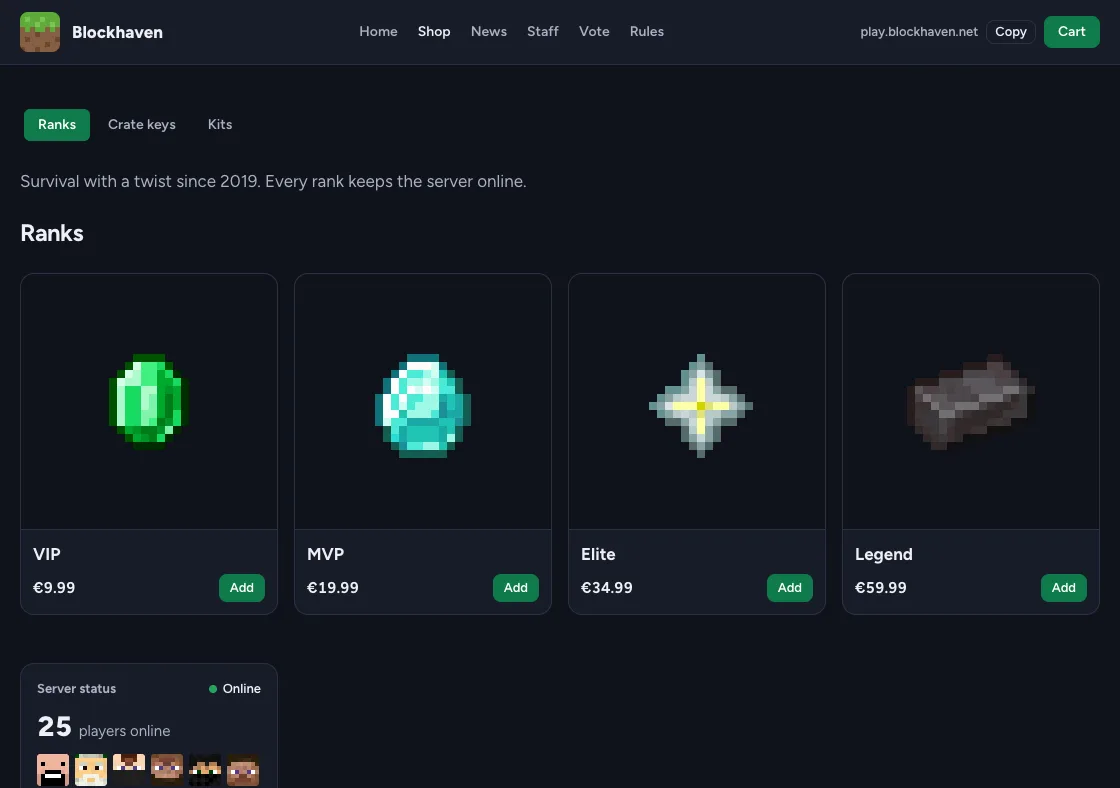
Your banner, blurred, behind the whole store, with panels of frosted glass on top.
Your ranks side by side as steps, each with its perks, and the most popular one in your colour.
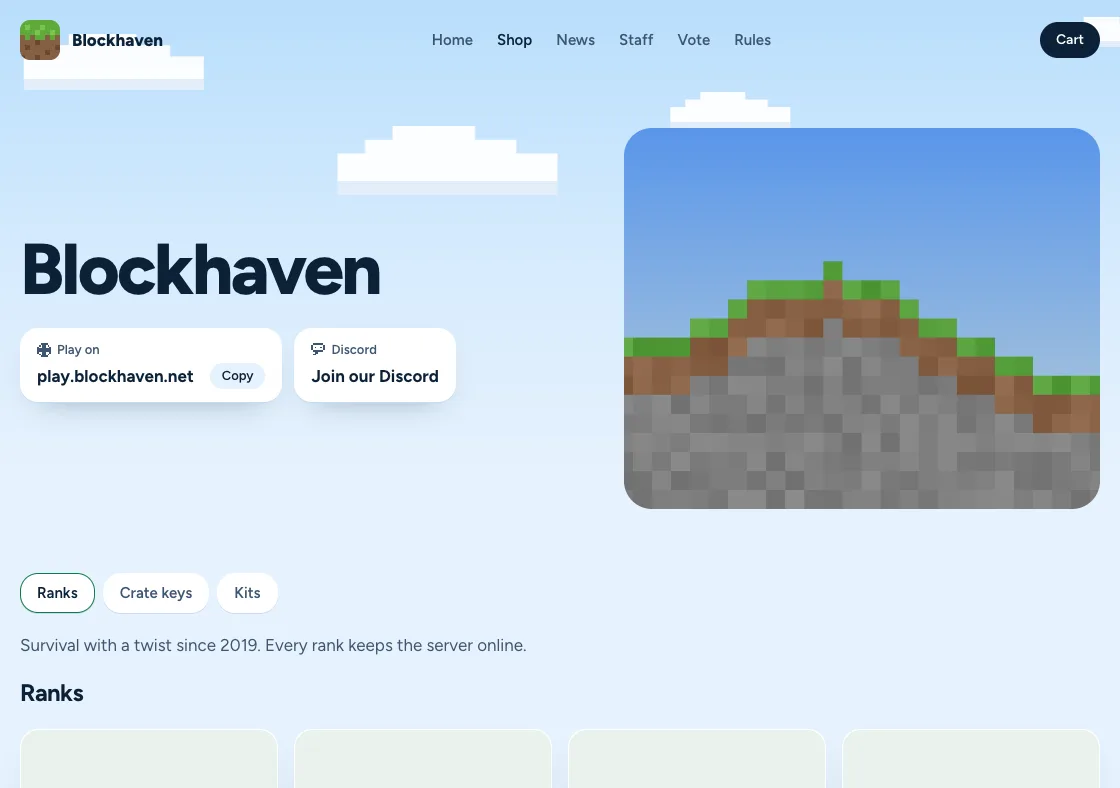
A light sky with blocky clouds, big type and your banner beside it. Stands out between dark stores.
Start your store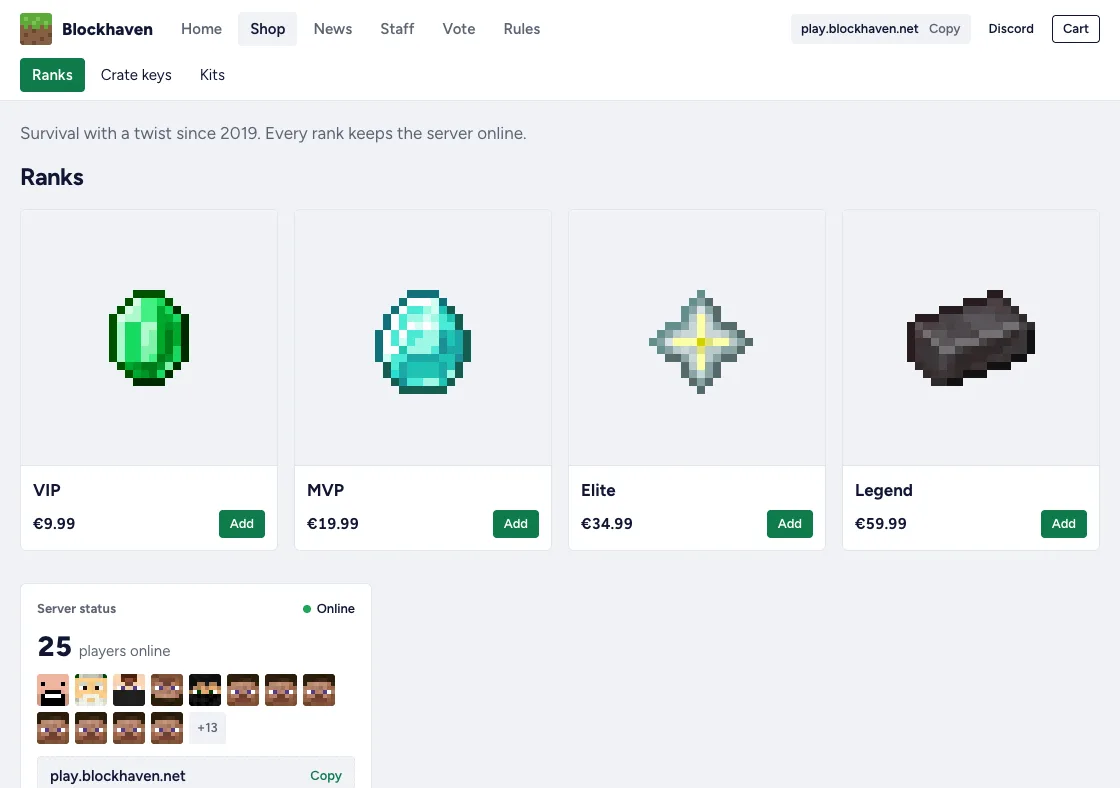
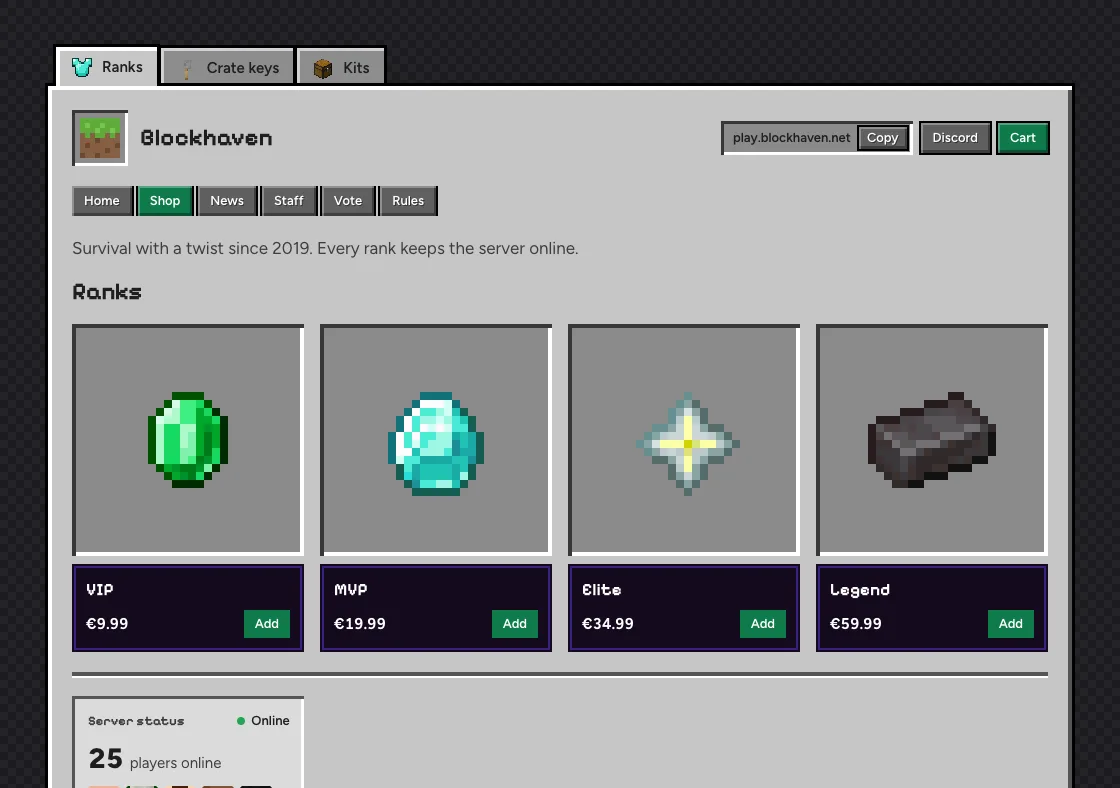
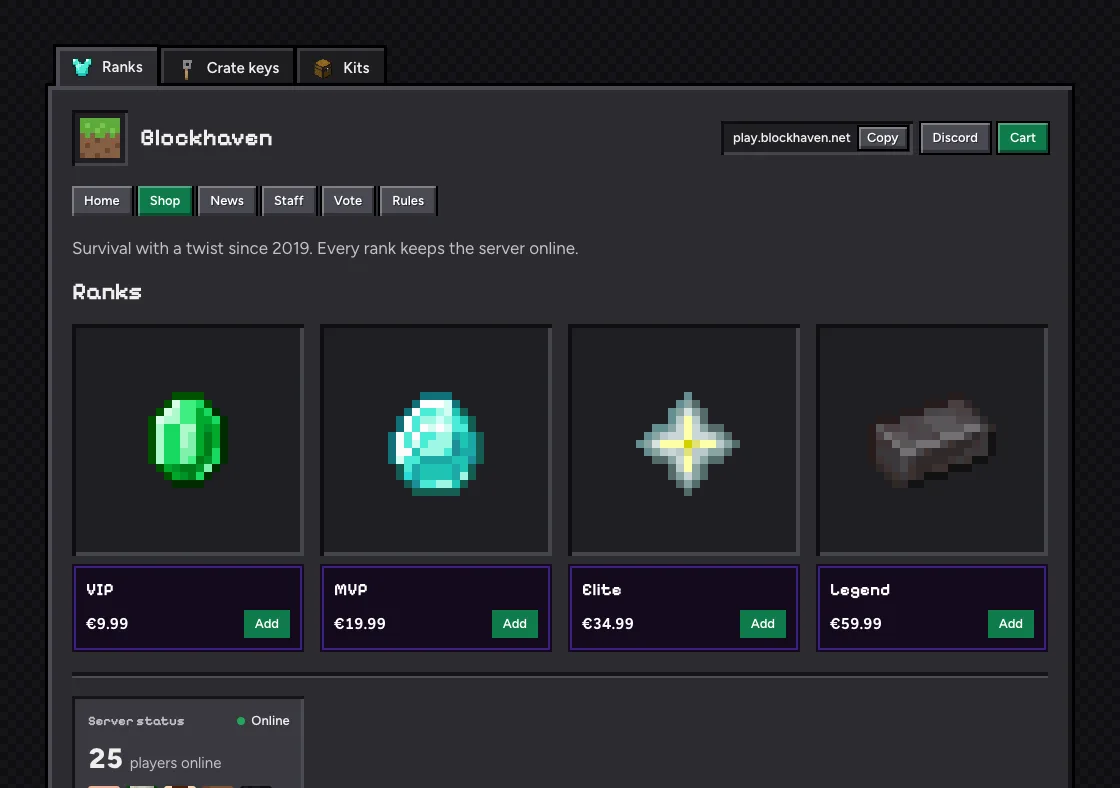
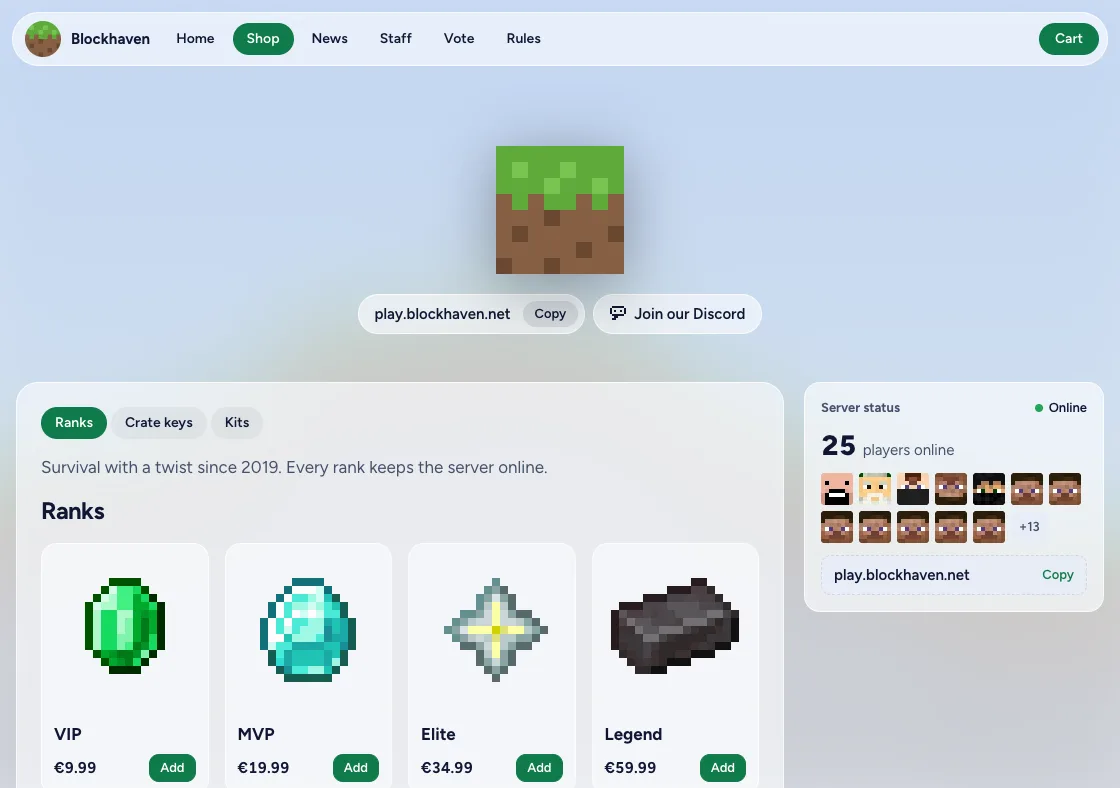
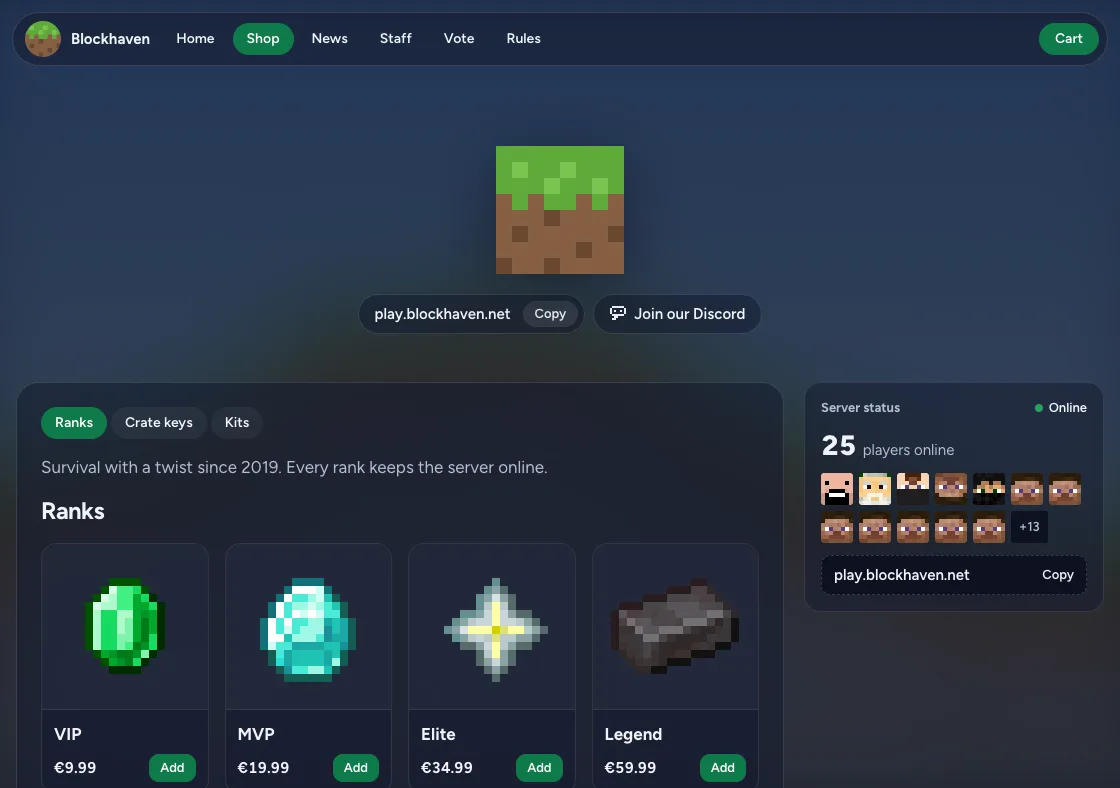
Your own theme
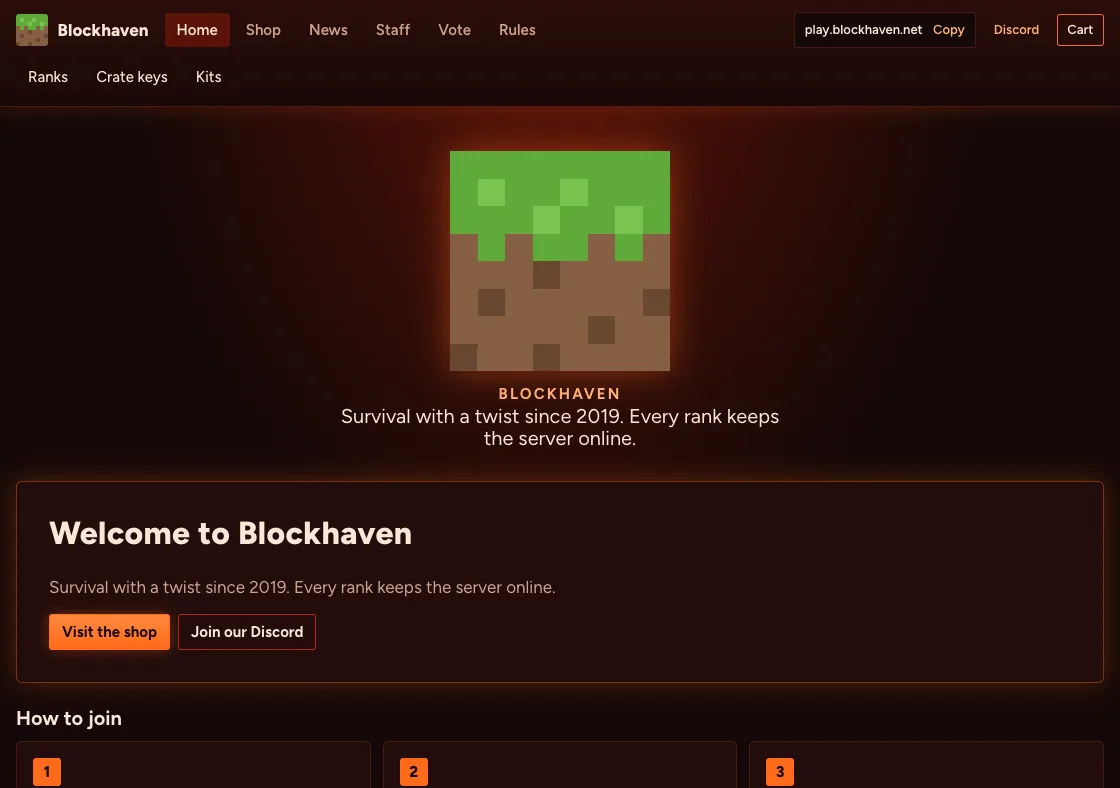
Describe your server. The AI designs your store.
Tell it what your server is like, and in about a minute you have a theme of your own. Change it in plain words, or open the code and build on it yourself.
Free until you sell something
No setup cost and no monthly fee to sell. The platform keeps a small part of each sale, and Pro is there if you want more.
Free
5%
per sale, minimum €0.25
- Everything you need to sell and deliver
- The Classic and Realm themes
- Your own domain with HTTPS
- Payouts to your bank by Stripe
Pro
€9.99
a month, per store
- Design with AI: describe your server, get a theme of your own
- Four more themes: Inventory, Glass, Tiers and Daylight
- Your own CSS on top of any theme
- A team as big as you want, with your own roles
- No "Powered by" in your store
| Compared | Minecraftstore.io | Tebex |
|---|---|---|
| Platform fee | 5% per sale | About 5% per sale |
| Monthly plan | None needed. Pro is €9.99 a month | Plus at £12.49 a month for templates and your own domain |
| Where the money goes | Your own Stripe account, then your bank | Tebex, which pays you out |
Questions
What does a store cost?
Opening a store is free and there is no monthly fee. On every sale the platform keeps 5%, with a minimum of €0.25, and Stripe's payment fee is paid by the store. Selling, delivery, coupons, your own domain and payouts are in every store.
What is Pro?
Pro is an optional extra per store for €9.99 a month: Design with AI, four more themes, your own CSS, a team as big as you want with your own roles, and no "Powered by" in your store. The fee per sale stays the same. The first 14 days are free, and you can cancel any time.
Which servers does the plugin work on?
The plugin runs on Spigot, Paper and Purpur, Minecraft 1.18 and newer, with Java 17 or higher. You can connect more than one server to a store, each with its own token.
What if a player buys while they are offline?
Then the purchase waits. The plugin delivers it the moment the player joins, and the order page shows the player that it is still on its way.
How do I get paid?
Players pay with Stripe Checkout and the money goes to your own Stripe account, minus the platform fee and Stripe's payment fee. Stripe pays it out to your bank. You connect Stripe in a few minutes from the dashboard.
Can I use my own domain?
Yes. Every store starts on its own subdomain of minecraftstore.io, and you can add a domain like shop.yourserver.com. HTTPS is set up for you on both.
Do players need an account?
No. A player fills in their Minecraft username and an email address. We check the username with Mojang before they pay, so a typo never sends a rank to someone else.
Another question? Mail support@minecraftstore.io, or see all the ways to reach us for questions before you start and partnerships.
Your players are already asking for a rank.
Give them a place to buy it. Your store is live in minutes, and it costs nothing until the first sale.
Create your store